

What it does › Calendar
Calendar, holidays and handovers
You see who they’re with today and until when, and how the holidays are split. You can send the week to your family or share the calendar.
The basics
The essentials
Who they’re with today
Who they’re with today, until when and when the next handover is.
FreeMonth view with colours and initials
Each parent with their colour and initial, and the whole school year.
FreeOne-off changes
A swapped weekend or a few extra days, with what you agreed.
FreeReminder the day before each handover
The day before each handover, with no names on the lock screen.
FreeWidgets
Four widgets: today, next handover, week and fortnight.
Free
In order of weight
What sets it apart
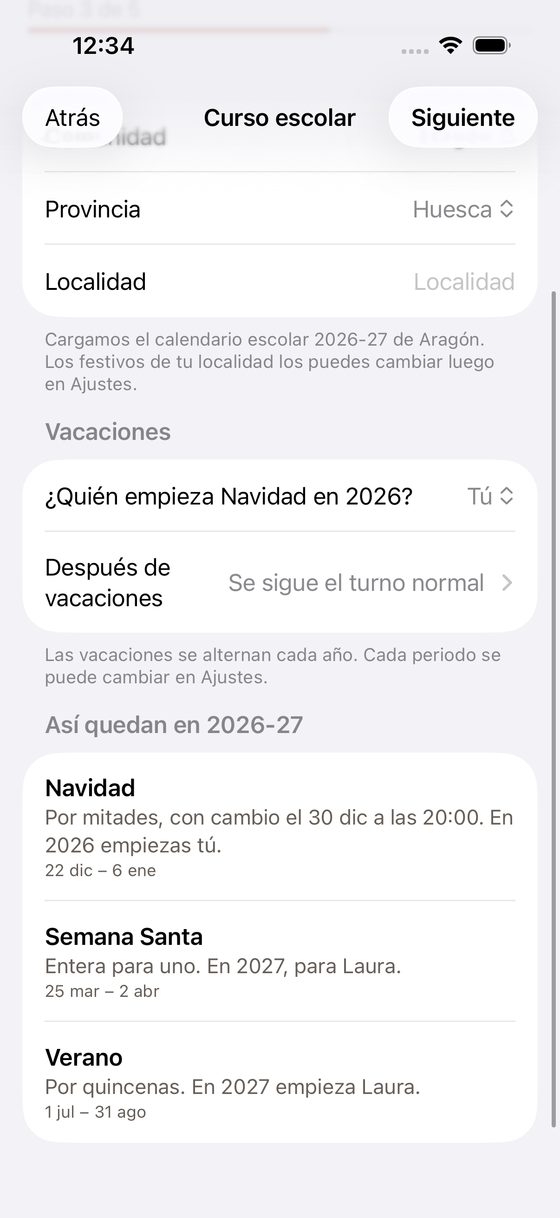
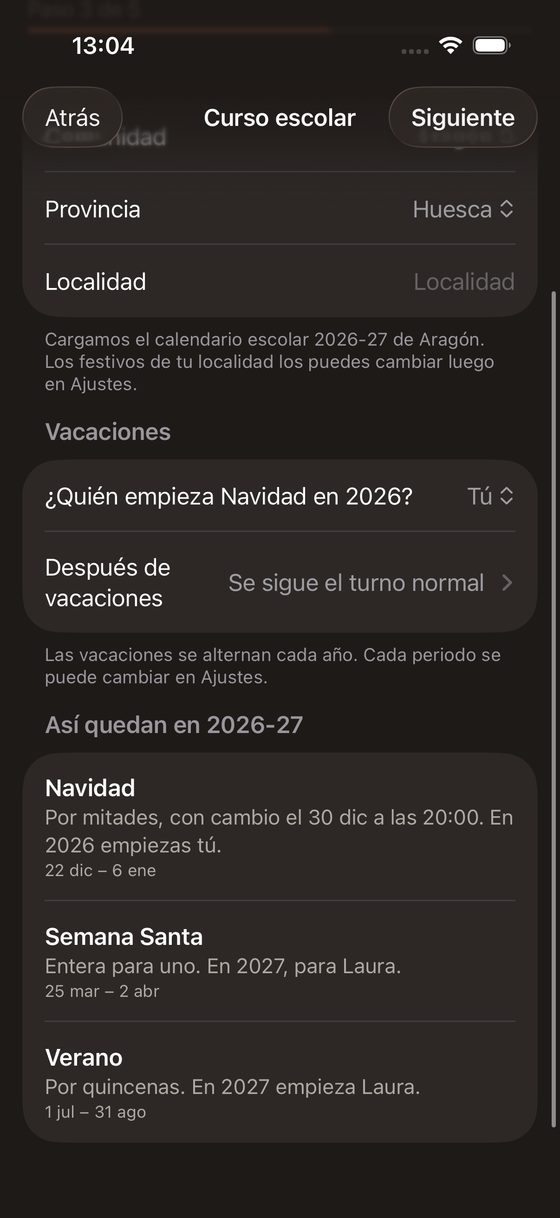
Christmas is coming. Who starts this year?
You know who has each holiday, in odd and even years too.
Christmas, Easter, summer and any period you add. You choose two halves, the whole period alternating by year, or half-months (1st to 15th and 16th to the end), the day and time of the changeover, and who starts in even years.
FreeYour region’s school year comes already loaded.
The 2026-27 school year comes loaded for every region: start, Christmas, Easter, end of term and public holidays. Local ones you add in Settings.
Free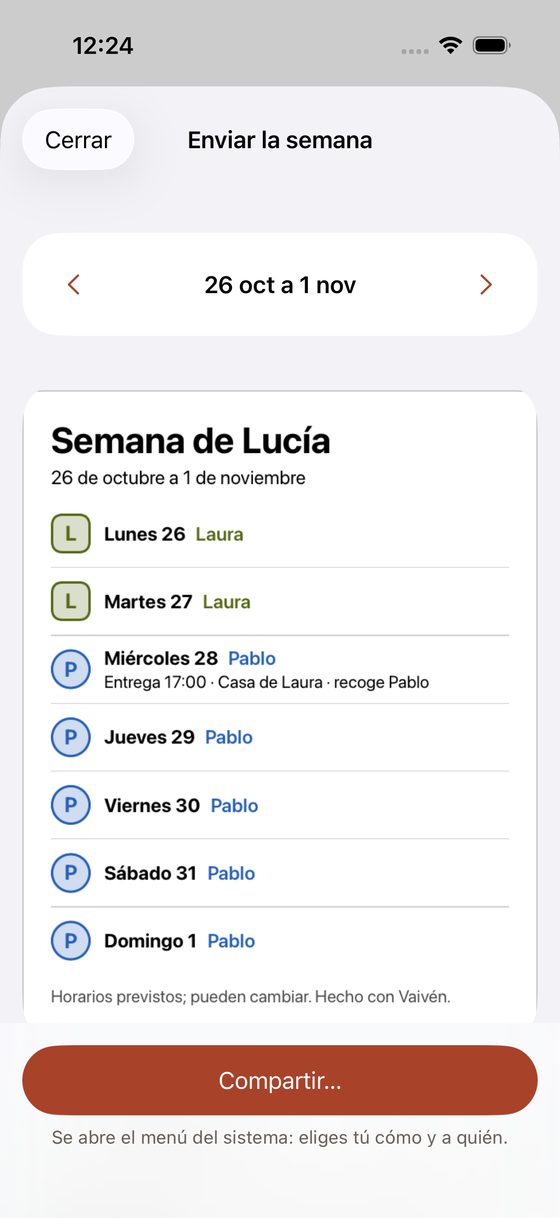
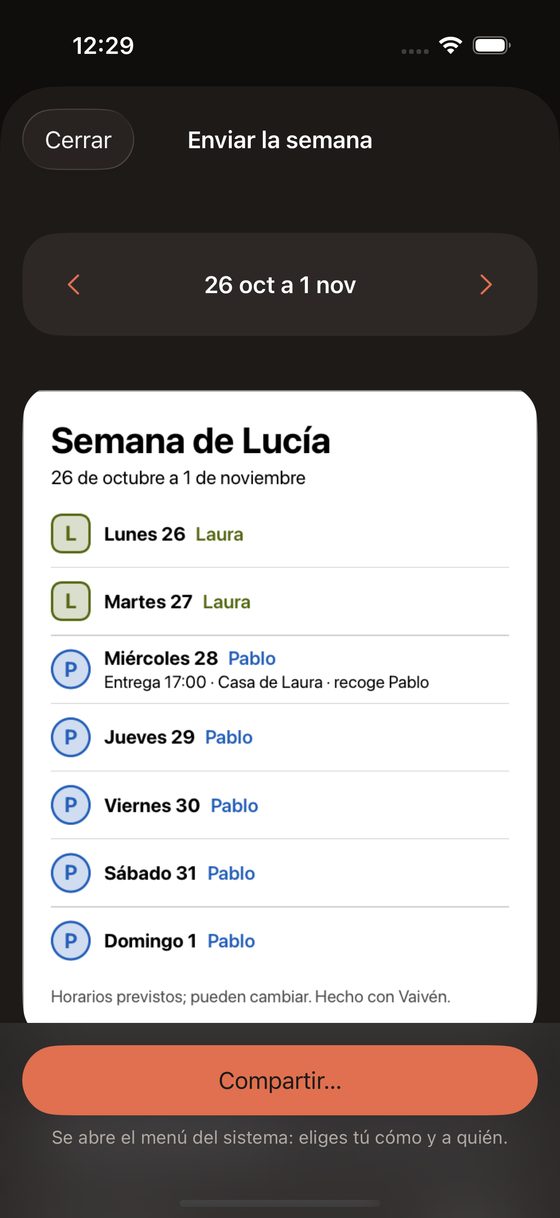
Grandma picks them up on Thursdays. How does she find out?
You can send the week to your family.
An image or a PDF with the seven days, who they’re with and the time of each handover. You see what you send before sending it, and you can show only initials.
FreeIf you get on well
Vaivén is private by default. If you and Laura get on well, or you want the grandparents and Lucía to see the calendar, you can share it whenever you like.
- You share the Vaivén calendar with whoever you pick (Laura, the grandparents, Lucía) through iOS calendar settings. The app walks you through it and leaves a message ready to send.
- Whoever sees it knows who the children are with and when that changes, in words that won’t upset anyone, children included.
- With the public link, only initials show.
- Whoever sees the calendar sees the Agenda (English class, the doctor). Your notes stay yours alone.
The app asks you once whether you share the calendar. You can stop sharing whenever you like.
Every calendar feature
25 features: 25 free.
Setup in five steps
Family, schedule, school year, money and reminders. In about two minutes the calendar is ready, and it costs nothing. In the money step each option says whether it is free or comes with Full Vaivén, and ticking one is free. “Finish later” leaves the calendar ready, and a card reminds you of the rest.
FreeFour schedules, and one you build yourself
Alternating weeks, fixed days with alternating weekends (2-2-5-5), alternating fortnights or alternating months, and alternating weekends with one weekday afternoon. If yours is different, you build it day by day over a cycle of any length.
FreeHandover time
Each schedule has a handover time, and each day of the cycle can have its own (Friday after school, Sunday at 8pm).
FreeHow the schedule resumes after holidays
The cycle carries on as if there had been no holidays, or starts with the parent who didn’t have the last stretch.
FreeYour school’s dates
In the Basque Country each school sets its own. You enter its dates in one step, from the official minimum. If you skip it, a card reminds you, and in June it asks for next year’s dates.
FreeWhat you agreed, attached
You attach up to five photos, screenshots or PDFs of what was agreed, with how it was agreed and the date, all in the same “What you agreed” block. If you don’t know how it was agreed yet, leave it “Not specified” and the report just says “Agreed on 20/10/2026”.
FreePrivate notes on a day
Three Kings’ Day, a birthday, an appointment. Only you see them. They never go into a shared calendar or the one Vaivén keeps. A note doesn’t change who the children are with that day.
FreeAgenda
English class on Tuesdays at 7pm, the doctor on the 12th. One-off or weekly, with an optional time and place, for one child or all. Anyone who sees the calendar sees it, and it shows in Today (“Pablo takes them”), in the month, in the eve-of-handover list and in My week. Weekly items pause on school holidays and local holidays and end with the school year, or have no end date.
FreeSchedule history, and correcting or deleting schedules
If your agreement changes, you create a new schedule with its start date and earlier days stay as they were. If you got it wrong, correct the current schedule (it warns you that past days change too) or delete one from the history, and its days go back to the previous one. There is always one left.
FreePlace of each handover
A short name of up to 30 characters (‘School’, ‘Grandma’s house’). It appears in Upcoming handovers, in the week you send and in the iPhone calendar.
FreeWhat travels with the children, and the eve-of-handover reminder
A checklist you tick in each day’s detail (homework, medicine…). You edit the list in Settings. Tapping “Tomorrow is a handover day” opens the list so you can tick it in one go. With no list, it suggests things (homework, medicine) you tap yourself and nothing comes ticked. The lock screen shows nothing.
FreeMy week for the children
In ‘Send the week’ choose ‘For the children’ to get a landscape image or PDF for the fridge. It talks about homes (Pablo’s home, Laura’s), with a version for little ones (today and nights to go) and one for older ones (today and the week).
FreePropose a change of days
In the one-off change choose “It needs to be proposed”. Vaivén writes the message with dates and nights and you send it. The calendar stays put until they say yes. A “Waiting for an answer” card holds it; the reminder is only for you.
FreeYour Vaivén calendar
It creates a ‘Vaivén’ calendar on your iPhone with the next 12 months. It only touches that calendar and updates when you change something. It asks for full Calendar access and explains why first. If your account syncs calendars (iCloud or Google), it shows up there too. From the same screen you share it with whoever you like (Laura, the grandparents, Lucía…), using iOS calendar sharing.
FreeExport the school year
Saves the schedule as an .ics file you can open in another calendar.
FreeWhat is added to your calendar
Show just who the children are with and when that changes, or every day. Your notes never go in, and the Agenda only if you want. Works for your Vaivén calendar and the .ics file.
FreeChildren and parents, each with a colour
Name and colour for each child and each parent. The other parent doesn’t need the app.
Free
We’ll email you once, on launch day.
Your email app opens with the message ready. There’s no form, so we don’t store anything.